READTYCH's Digital Innovations:
Powering Tomorrow's Education
Revolutionizing Reading & Learning Through Advanced Hardware & Software Solutions
Nice E-Tab

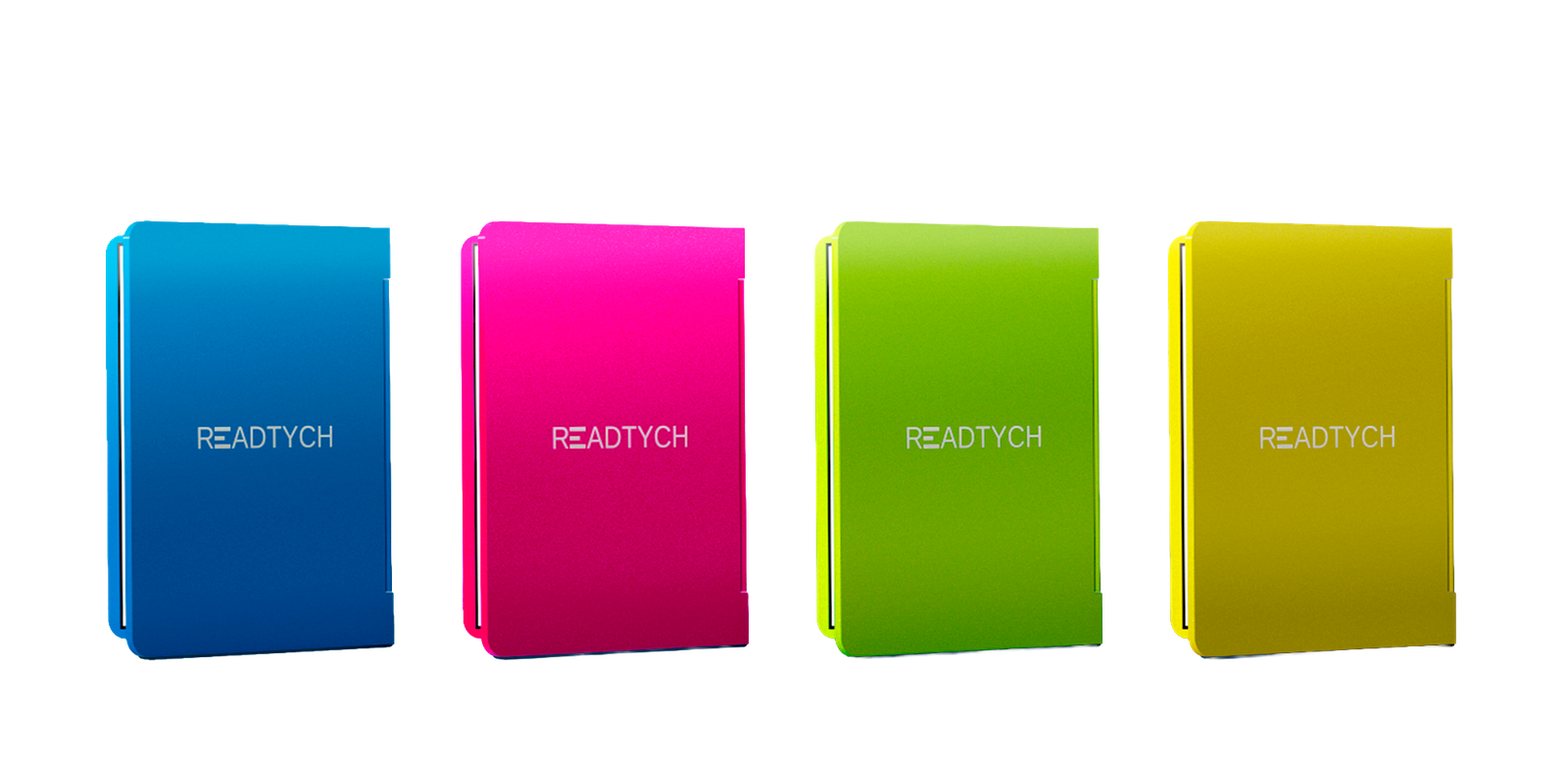
I really like this tablet, it has the essence of a book but it is all digitalized
David M.
User
THE FEATURES
Our Amazing Features
Harnessing the power of E-Ink technology across three screens, the DEF system delivers a crisp, paper-like reading experience without the glare or eye strain typical of traditional screens. Whether reading in direct sunlight or low-light settings, the display remains consistently legible and comfortable to the eyes.
Marrying form and function, our tablet captures the essence of a classic book with a contemporary twist. An external E-Ink display serves as an elegant, interactive “book cover,” allowing quick access to apps, books, education material, notifications, summaries, or bookmarks. Upon opening, two immersive internal screens await — one on the left and one on the right, echoing the familiar layout of a book’s pages. Navigate through content, annotate, or cross-reference with ease, as the Dual-Core Book Interface provides a naturally intuitive reading and interaction experience, blending the nostalgic allure of books with cutting-edge technology.
Our tablet isn’t just about merging the tactile experience of traditional reading with the digital age; it’s also about ensuring the utmost care for our users’ eyes. Featuring the GentleView E-Ink Technology, our displays emulate the soft contrast of printed text, significantly reducing blue light emissions common in conventional screens. This technology ensures minimal eye strain, even during extended reading sessions. Our E-Ink screens’ soft, paper-like background provides a comfortable viewing experience reminiscent of reading a physical book, protecting your eyes from fatigue and allowing for longer, more immersive learning or reading sessions.
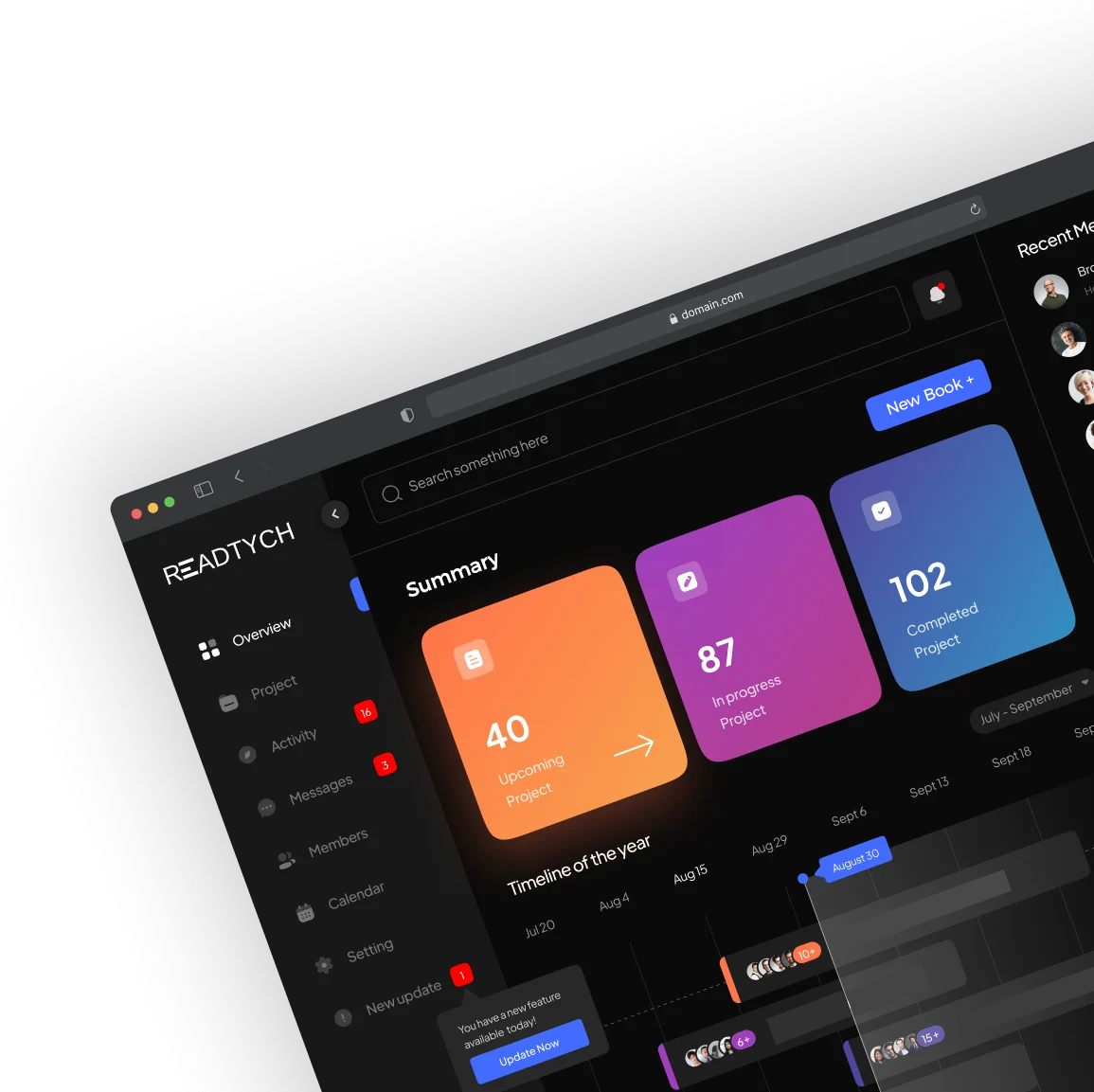
The essence of a book is not just in reading but in the interaction with its content. Our PageFlow Multitasking Interface is designed to mirror this very experience. As you navigate through digital content, easily earmark pages, create side notes, or open multiple ‘tabs’ resembling the act of flipping between book pages.
Delve deep into your reading or professional sessions without missing a beat. With our ScriptEase AI Handwriting Recognition feature, effortlessly jot down notes, annotate key passages, or draft documents using a stylus or even your finger. The AI-powered system seamlessly converts your handwriting into cleaner text, capturing the nuance and personality of your unique script and assisting the user when trying to look through their notes. Whether you’re a student deciphering complex subjects or a professional charting out strategies, ScriptEase bridges the gap between the traditional art of note-taking and the convenience of digital documentation.