The Digital Book
See the physical product, two internal E-Ink screens, book-like form, stylus experience, and different ways students can use both screens.
Digital Book
The READTYCH Digital Book is easier to understand when you see it open.
Watch two E-Ink screens work together. See a student read on one side and write on the other. Follow an assignment from the educator to the learner and back again. Explore how classroom activity can become useful insight over time.
This is not another tablet demonstration.
It is a look at an educational environment built around the natural relationship among reading, writing, teaching, and understanding.
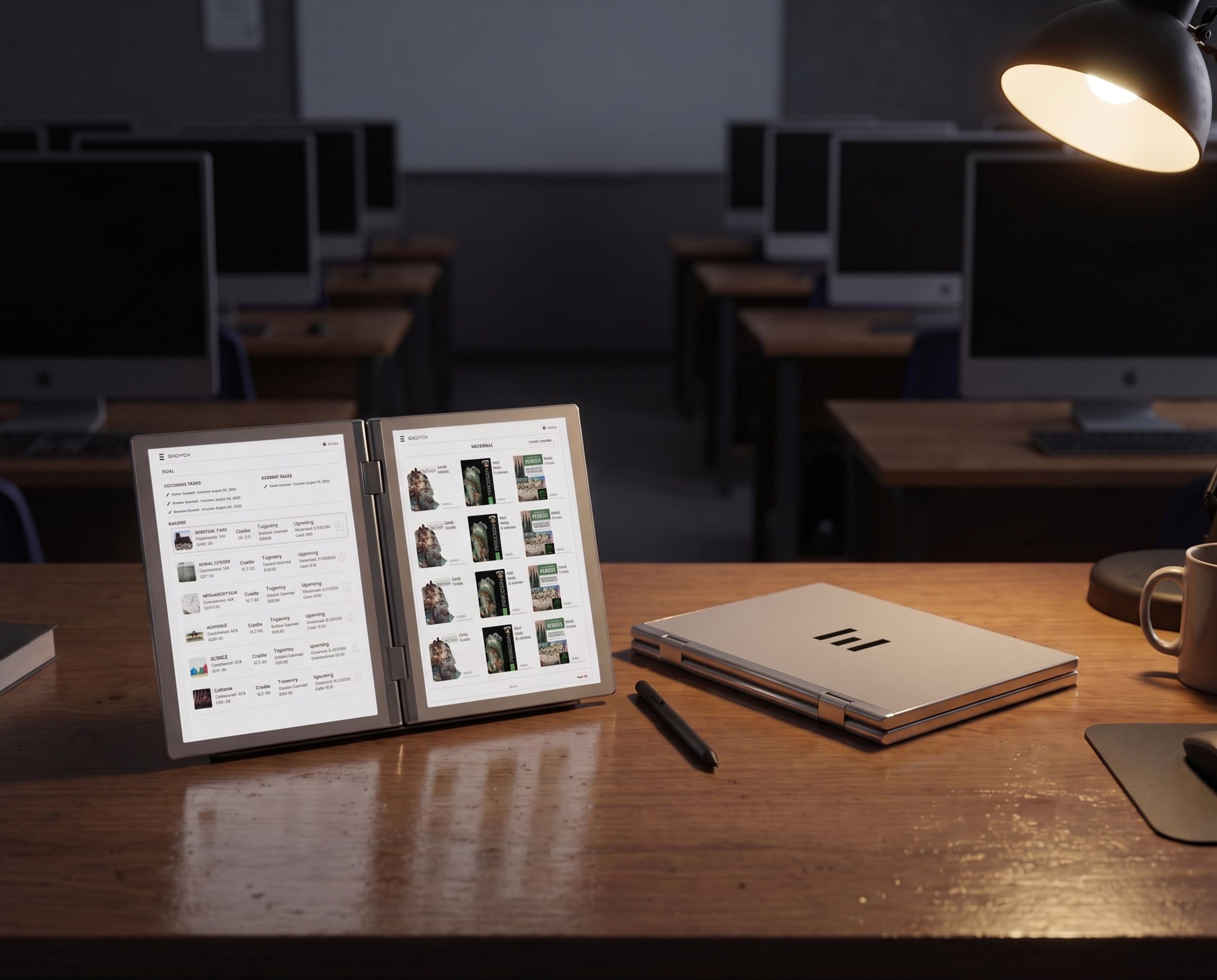
From the moment the Digital Book opens to the moment an educator reviews student progress, every part of READTYCH is designed to remain connected.
In the full product demonstration, you can explore:
Video CTA: Play the READTYCH Product Demo
See the physical product, two internal E-Ink screens, book-like form, stylus experience, and different ways students can use both screens.
Follow a student through books, notes, classes, assignments, deadlines, submissions, and teacher feedback.
See how a teacher may prepare an activity, connect learning materials, distribute work, review responses, and provide feedback.
Explore student, classroom, school, district, and education department views within the READTYCH web platform.
The READTYCH Digital Book opens to reveal two internal E-Ink screens.
The screens may work independently or support the same learning activity.
A student can keep a textbook visible on one side while using the second screen to:
The second screen is not there to encourage more multitasking.
It is there so students do not have to keep closing the information they need to access.
Video: READTYCH Digital Book Demonstration
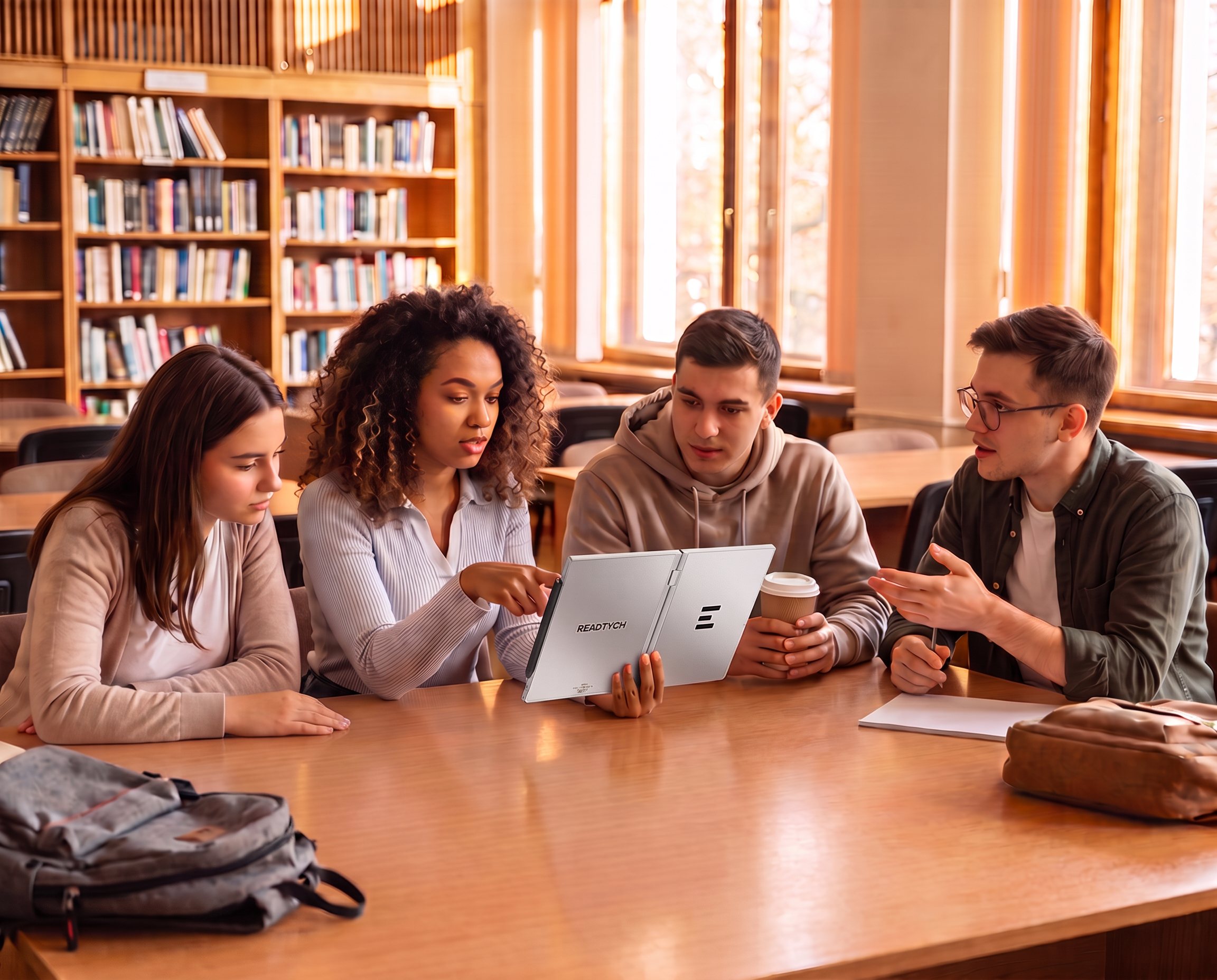
A student opens an assigned textbook.
The page remains visible on the first E-Ink screen.
On the second, the student opens a notebook and begins writing with the Wacom stylus.
The note may be connected to the book, chapter, subject, or class. The student can return to it later without searching through several physical notebooks or unrelated applications.
The same two-screen structure can support different kinds of learning.
A mathematical example can remain open while the student solves the problem.
Two historical sources can be compared side by side.
A science diagram can remain visible while the student writes an explanation.
A teacher’s comments can sit beside the response they explain.
One side holds the material.
The other holds what the student does with it.
Video: Two-Screen Reading and Writing Demo
The READTYCH student environment is being designed to bring the school day into one organized place.
A student may begin by opening their home screen and seeing classes, assignments, deadlines, announcements, and new feedback.
From there, they can enter a class, open the relevant book or lesson, review the instructions, and begin the activity.
The experience may connect:
Assigned textbooks, books, lessons, and course materials.
Handwritten or typed notes connected to books, subjects, classes, or independent ideas.
Course materials, activities, announcements, and academic information.
Instructions, deadlines, learning resources, responses, submissions, grades, and feedback.
School-approved tools available within an education-first environment.
Students do not need to understand every system working behind the platform.
They need to know where to begin.
Video: READTYCH Student Experience Demo
A teacher creates or selects a classroom activity.
The assignment is connected to a class, instructions, deadline, and relevant learning materials.
The student receives the activity through READTYCH.
One screen may display the lesson, book, question, or instructions. The student uses the second screen to write, solve, compare, or complete the response.
Once submitted, the work is returned to the educator via the connected platform.
The teacher can review the response, provide feedback, and use AI-assisted suggestions where appropriate.
The final academic decision remains with the educator.
The student receives the response with the original work and feedback still connected.
The assignment does not disappear after the grade is posted.
It becomes part of what the student can learn from next.
Video: Assignment and Feedback Workflow Demo
Technology should not ask teachers to handle more administrative work.
The READTYCH educator experience is being developed to bring everyday classroom activity into a clearer workflow.
Through the platform, an educator may be able to:
The platform organizes the activity.
The educator remains responsible for the teaching and the decision.
Video: READTYCH Educator Platform Demo
The READTYCH web platform is being designed around different levels of authorized access.
An educator may begin with a student’s assignment.
A school leader may explore a classroom, subject, or grade level.
A district leader may review approved patterns across participating schools.
An education department may access authorized system-level information where appropriate agreements and safeguards are in place.
The demonstration may show:
Assignments, grades, completion, feedback, strengths, recurring difficulties, and changes over time.
Average results, grade distribution, commonly missed concepts, assignment activity, and student progress.
Authorized patterns across classrooms, subjects, grades, attendance, and academic activity.
Aggregated trends that may help leaders investigate wider needs, allocate resources, and evaluate education programs.
The purpose is not to watch every action.
It is to help the right person notice when something may deserve attention.
Video: READTYCH Student Performance Analytics Demo
The analytics demonstration may show how historical performance and current academic activity can indicate a possible direction.
A student’s performance may be improving.
A repeated difficulty may be growing.
Incomplete work may be affecting the overall result.
A class may be struggling with the same concept.
These indicators are not permanent judgments.
They are signals.
The educator reviews the work, considers the context, and decides whether any response is needed.
A trajectory can change.
That is the reason to notice it.
READTYCH is developing AI-assisted capabilities that may support:
AI output remains subject to educator review.
A teacher can approve, change, or reject a suggestion.
The technology may help organize the information and reduce repetitive work.
The educator understands the student.
AI assists. Educators decide.
READTYCH is progressing through hardware and software development.
Some interfaces, features, workflows, specifications, and visual elements shown in product demonstrations may represent the current development direction rather than the final commercial release.
Capabilities may be:
Final product features, specifications, availability, and institutional configurations will be confirmed as development and validation progress.
The demonstration is intended to show what READTYCH is building and how the complete education experience is designed to work.
It should not be interpreted as a guarantee that every illustrated capability is currently available.
A recorded demonstration can show the product.
A guided conversation can focus on your environment.
Schools, districts, education departments, universities, and research partners can request a demonstration tailored to questions such as:
Tell us about your institution, the people joining the demonstration, and what you would most like to understand.
Please use your institutional or organizational email address.
I agree that READTYCH may use the information provided to respond to this demonstration request. I have reviewed the Privacy Policy.
Form CTA: Request My READTYCH Demo
The full demonstration may include the Digital Book, two-screen reading and writing, student tools, educator workflows, assignments, feedback, approved applications, and student performance analytics.
Guided demonstrations are primarily intended for schools, districts, education departments, universities, researchers, and relevant institutional partners.
Some capabilities may be in active development, prepared for pilot evaluation, or planned for a later stage. READTYCH will clarify the current status of demonstrated features during institutional conversations.
Qualified schools, districts, education agencies, and research partners may submit a guided demonstration request. Availability will depend on product readiness and the nature of the inquiry.
Yes. Institutions can identify the product areas, classroom workflows, or platform capabilities they would most like to explore.
If there is a potential fit, READTYCH and the institution may continue discussing technical requirements, product readiness, pilot goals, and possible next steps.
The next page starts here
Open it.
Have one screen display the lesson while the other displays the student’s response.
Follow the work from assignment to feedback.
See how one classroom can connect with a much bigger education environment.
The future of learning is easier to understand when it unfolds in front of you.