Read and Write
A textbook, lesson, or passage can remain open on one screen while the student writes notes on the second.
Digital Book
Two paper-like screens.
One familiar book form.
An entire connected learning environment inside.
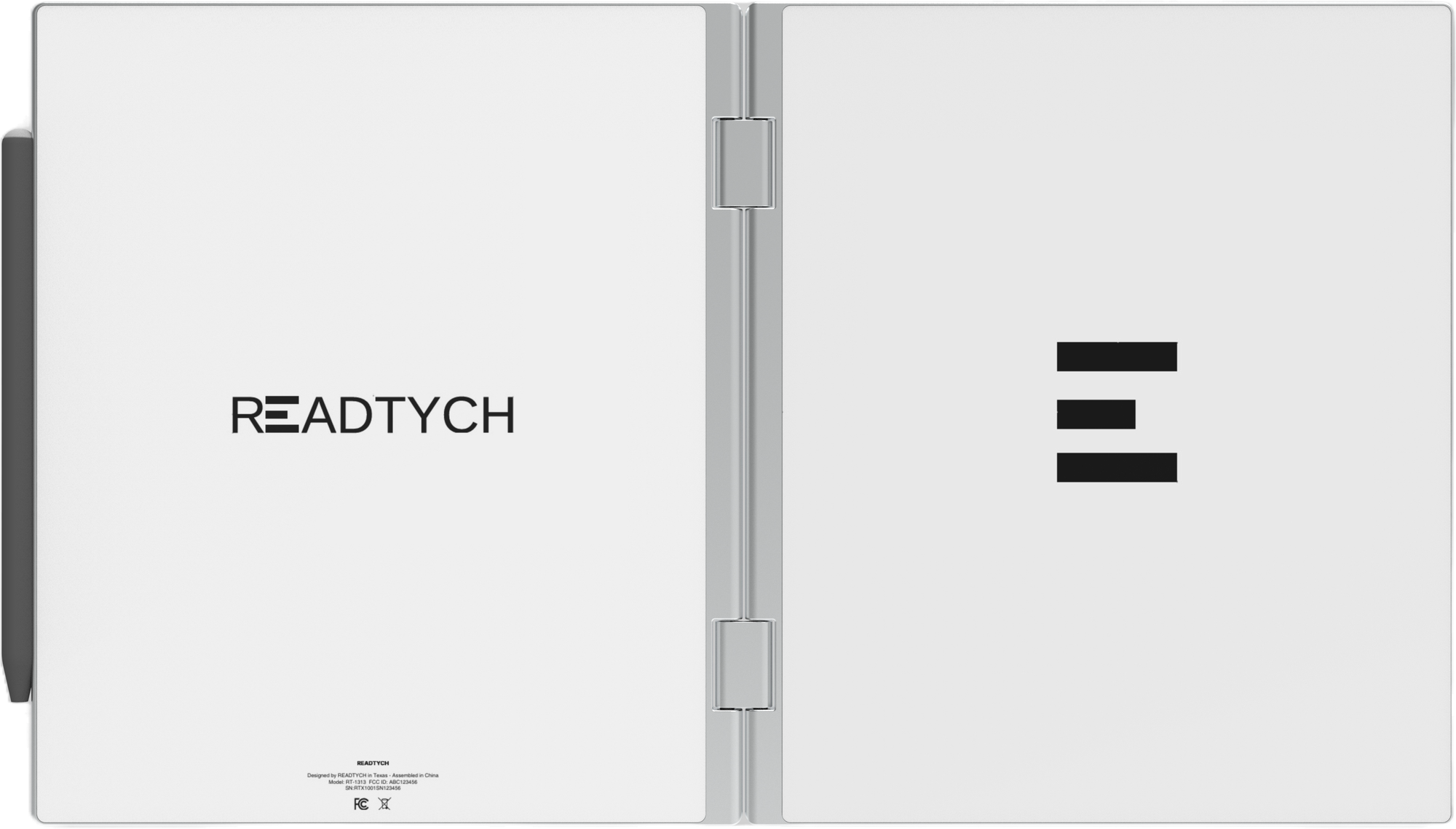
The READTYCH Digital Book is a patented, foldable dual-screen tablet being developed specifically for education. Students can read on one E-Ink screen while writing, solving, comparing, or completing their work on the other.
Every part of the product begins with a practical question:
How can this help a student stay with the lesson?
This page presents the latest approved product direction. Some specifications remain subject to engineering validation and may change before commercial production.
| Specification | Current Product Direction |
|---|---|
| Product category | Two-screen foldable E-Ink Digital Book |
| Primary use | Education, reading, handwriting, classwork and connected learning |
| Form | Patented bifold, book-like construction |
| Displays | Two internal E-Ink touch displays |
| Screen use | Independent or connected two-screen workflows |
| Writing input | Wacom stylus technology |
| Operating foundation | Linux kernel |
| User interface | Proprietary READTYCH education interface |
| Processor | ARM-based processor |
| Memory | 4 GB RAM |
| Internal storage | 32 GB |
| Connectivity | Wi-Fi |
| Planned connectivity | SIM or cellular connectivity |
| Cloud direction | Synchronization for accounts, books, notes, assignments, and approved school information |
| Construction | Aluminum enclosure |
| Current thickness | Approximately 16.6 mm |
| Current weight | Approximately 950 grams |
| Weight target | Approximately 900 grams |
| Battery direction | Target of approximately one to two weeks under normal school use |
| Product status | Hardware and software development with pilot-focused validation |
| Final specifications | To be confirmed before commercial production |
The defining feature of the READTYCH Digital Book is not simply its folding.
It is what becomes possible when students no longer have to hide one part of the lesson to work on another.
The two internal E-Ink screens can operate independently or support the same learning activity.
A textbook, lesson, or passage can remain open on one screen while the student writes notes on the second.
Instructions or questions can stay visible while the student completes a handwritten or typed response beside them.
Two passages, diagrams, sources, examples, or pieces of feedback can be viewed side by side.
Students can keep their notes visible while solving problems or preparing for an assessment.
Course material can remain open while the student uses an approved educational application on the second screen.
This is not multitasking for the sake of doing more.
It is a way to reduce unnecessary switching so students can stay with what they are trying to understand.
Most consumer screens are built for entertainment, video, and constant visual movement.
READTYCH takes a different direction.
Its two internal E-Ink displays are being developed around reading, writing, annotation, and other text-focused educational activities.
The paper-like background is intended to provide strong text readability with lower glare and reduced blue-light exposure compared with conventional bright displays. E-Ink also uses less power than typical backlit screen technology, supporting READTYCH’s longer battery life.
The two displays include touch and stylus capabilities. They may work independently or together, depending on what the student is doing.
That makes the Digital Book suitable for:
Final screen size, resolution, pixel density, refresh performance, and lighting configuration will be confirmed after production hardware validation.
The responsible benefit is a lower-glare, reduced-blue-light, paper-like display designed for reading and writing. READTYCH does not present the display as a medical device or make claims about preventing eye conditions.
Writing by hand is still part of how many students understand information.
It is how they solve a calculation, sketch an idea, underline a point, organize a thought, or work through an answer before they are certain of it.
READTYCH uses Wacom stylus technology to preserve that experience.
Students may underline, annotate, highlight, and add comments without moving to another notebook or application.
The stylus can support notes, calculations, diagrams, written responses, classwork, and assignments.
A note may be connected to a particular book, chapter, class, course, or subject instead of becoming separated from the material it explains.
READTYCH is developing AI-assisted handwriting recognition to convert handwritten work into organized, searchable digital content.
Recent product development has significantly improved writing responsiveness and reduced noticeable pen delay.
Final pressure sensitivity, stylus storage, charging requirements, replacement options, and supported gestures remain subject to confirmation.
The student does not have to choose between the natural act of writing and the convenience of digital organization.
READTYCH is being designed to support both.
The current hardware direction includes an ARM-based processor, 4 GB of RAM, and 32 GB of internal storage.
Those numbers are not being chosen to win a consumer specification race.
They are being developed around the work students and educators need the Digital Book to perform.
That includes:
The exact processor model, operating speed, expandable storage, graphics capability, and security hardware will be confirmed before commercial production.
The specification that matters is not how many entertainment applications can run at once.
It is whether books, notes, assignments, and classroom tools work reliably throughout the school day.
The current READTYCH software direction uses a Linux kernel with a proprietary READTYCH interface.
The interface is being developed around the structure of education rather than general consumer use.
A student should not need to organize the school day around the device.
The device should already understand that:
A book belongs to a class.
Notes may belong to a chapter.
An assignment has instructions and a deadline.
A response returns to an educator.
Feedback belongs beside the work it explains.
Progress develops across multiple activities.
The planned READTYCH environment includes:
Students may access assigned textbooks, books, lessons, and course materials from one organized space.
Handwritten and typed notes may be connected to a book, subject, class, or independent idea.
Course materials, classroom activities, announcements, and academic information may remain connected to the correct class.
Students may receive instructions, complete activities, submit responses, and review feedback through the same learning environment.
Instructions, reminders, announcements, and feedback may remain inside the education platform.
Authorized users may review appropriate student, class, school, and district learning patterns through the connected web platform.
Handwriting recognition, grading suggestions, feedback support, and learning insights form part of the wider software direction.
Some software capabilities remain in development and may be introduced in stages. READTYCH will distinguish between pilot capabilities, launch features, and future platform development as the product progresses.
A consumer tablet can run almost anything.
That flexibility also means the lesson may sit beside entertainment, social media, consumer games, and unrelated applications.
READTYCH is being developed as an education-first environment.
Schools and authorized institutions may determine which books, resources, and educational applications are available to students.
This controlled ecosystem may help schools create:
READTYCH is not intended to provide unrestricted access to conventional Android applications. Its Linux-based interface and controlled ecosystem are designed for educational use.
The purpose is not to limit useful technology.
It is to give useful technology a clearer place in learning.
The patented bifold form is not simply a visual feature.
It creates two distinct working surfaces.
One side can hold the information.
The other can hold what the student does with it.
The form also allows the device to close like a book, helping protect the two internal screens while making the experience feel familiar from the first time it is opened.
READTYCH’s current hardware direction includes an aluminum enclosure designed for regular educational use.
The current prototype is approximately 16.6 mm thick and weighs approximately 950 grams. The engineering team is working toward a weight target of approximately 900 grams.
These measurements may change as the enclosure, hinge, internal components, battery, durability, and connectivity requirements are validated.
Final specifications should be published only after production testing confirms:
The goal is not to make a delicate concept device.
It is to build a Digital Book that can be part of a real school day.
A classroom should not have to reorganize itself around charging cables.
READTYCH’s E-Ink architecture is being developed around a battery target of approximately one to two weeks under normal school use.
E-Ink requires less display power than conventional backlit screen technology. This creates the potential for longer use between charges and fewer interruptions during the school week.
Actual battery performance will depend on:
The battery capacity, charging connection, charging time, adapter, and replacement process remain subject to engineering confirmation.
The one-to-two-week figure should remain clearly described as a target until verified through production-device testing.
Key Product Callout:
Battery Target: Approximately One to Two Weeks Under Normal School Use
Schools do not all operate under the same connectivity conditions.
Even within a connected school, wireless access can vary between buildings, classrooms, and communities.
The current READTYCH direction includes Wi-Fi connectivity, with SIM or cellular connectivity planned.
Offline reading and note-taking are also part of the intended product experience, although final behavior will depend on software validation, content licensing, institutional configuration, and synchronization requirements.
When a connection is available, the platform may synchronize authorized:
A student should still be able to read or write when the network is not perfect.
Final Wi-Fi standards, cellular bands, Bluetooth support, physical data connections, and device-management capabilities will be confirmed before release.
The student uses the Digital Book, but it works within a wider educational environment.
Students may use READTYCH to access books, write notes, access their classes, complete assignments, take assessments, receive feedback, and use approved educational applications.
Educators may prepare activities, distribute work, review typed or handwritten responses, provide feedback, and understand relevant student or class patterns.
Authorized school leaders may review appropriate information across classes, grades, subjects, attendance, assignments, and learning activities.
Authorized institutional users may access approved aggregated information appropriate to their role, permissions, and responsibilities.
The exact capabilities available to each user will depend on the final product release, institutional configuration, and applicable privacy and data agreements.
READTYCH is being developed primarily for schools, districts, governments, and larger educational programs.
That means the product must be evaluated as part of a wider system, not only as an individual device.
Institutional readiness may involve:
Final deployment specifications will need to be developed in collaboration with participating institutions, as each school system has different infrastructure, policies, content, and technical requirements.
READTYCH is progressing through hardware and software development while preparing for pilot-focused opportunities.
Current development progress described by the company includes:
READTYCH is working with a manufacturing and research and development partner on the device.
The current internal hardware direction has been approved, with continued work on exterior refinement and product validation.
The latest device is smaller and lighter than the previous development version.
Recent development work has significantly reduced noticeable stylus delay.
An initial database and server structure has been created for the education platform.
Software development is being organized around pilot requirements and the wider product roadmap.
The software and firmware required to coordinate the two E-Ink screens remain central areas of development and testing.
A pilot can help READTYCH evaluate the device, stylus, software, battery, connectivity, classroom workflows, educator adoption, student experience, and platform value in a real educational environment.
The following specifications remain under review by engineering, manufacturing, and commercial teams. Confirmed production details will be published as product validation progresses.
| Specification | Status |
|---|---|
| Screen size and resolution | Pending final validation |
| E-Ink panel and lighting configuration | Pending final validation |
| Processor model and speed | Pending final validation |
| Battery capacity and verified battery life | Pending final validation |
| Charging connection and charging time | Pending final validation |
| Final dimensions and weight | Pending final validation |
| Hinge-cycle, drop and environmental testing | Pending final validation |
| Wi-Fi, Bluetooth and cellular specifications | Pending final validation |
| Cameras, microphones and audio | Pending final validation |
| Included accessories | Pending final validation |
| Repair, replacement and warranty program | Pending final validation |
| Safety and regulatory certifications | Pending final validation |
| Commercial price and availability | Pending final approval |
The current READTYCH Digital Book has two internal E-Ink screens.
READTYCH is a two-screen foldable E-Ink device created specifically for education.
The company describes it as a Digital Book because its form and learning experience are designed around reading and writing.
The current product direction includes touch and Wacom stylus capabilities on the internal E-Ink screens.
Final writing behavior, gestures, and supported applications will be confirmed during product validation.
The current technical direction uses a Linux kernel with a proprietary READTYCH software interface designed around educational use.
The current battery target is approximately one to two weeks under normal school use.
Final battery performance must be confirmed through testing of the production device.
READTYCH is progressing through hardware and software development while preparing for pilot-focused opportunities.
Schools, districts, governments, and strategic partners can contact READTYCH to discuss current participation possibilities.
The next page starts here
Two screens can be measured.
Memory can be counted.
Battery life can be tested.
But the most important specification is harder to place in a table.
Does the product help a student stay with the lesson?
READTYCH is being built so the answer can be yes.
One screen for what the student is learning.
One screen for what they do with it.
One Digital Book connecting both.